Onboarding a Whole System From One Prompt
Markdown Mind Part Three - You download a folder, open it in your agent, and type one sentence — and instead of running a form, the installer onboards you the way the finished system will always behave. The setup is not configuration; it is the first live demo of the thing you are installing.

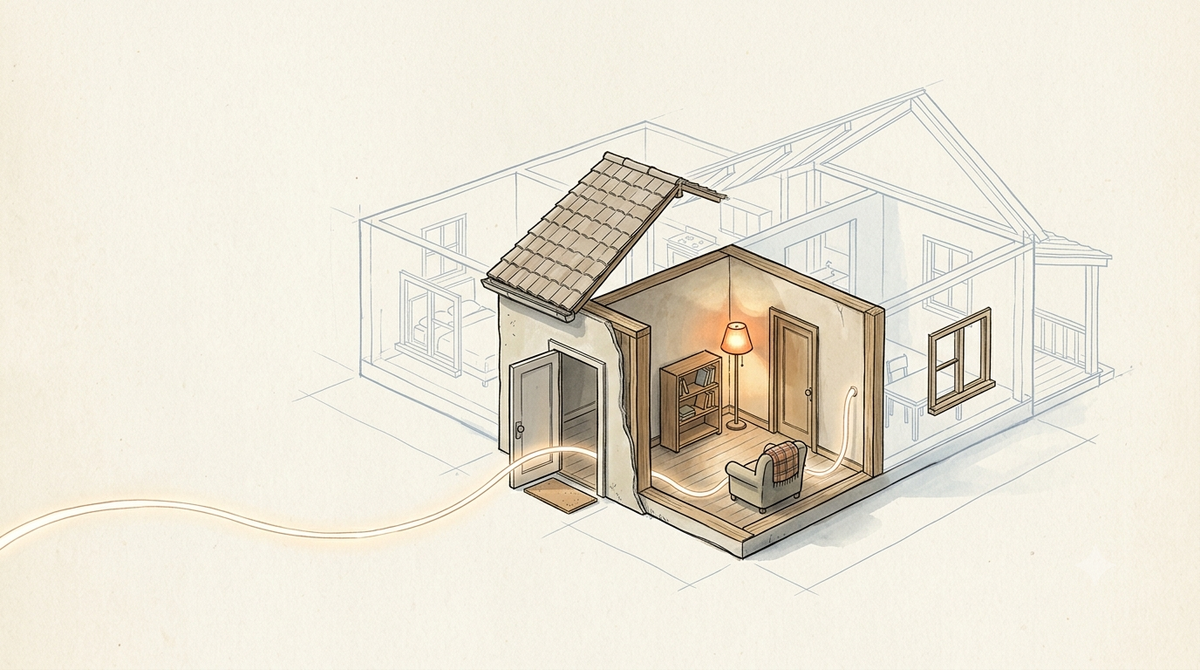
Last time I promised you the installer - how you get from an empty folder to working memory in roughly one prompt, without having to understand any of this first. Here it is.
You download a folder. You unzip it - nothing to install, no setup routine, no accounts. You open it in your agent and you type one sentence:
"Set up my Markdown Mind."
That is the whole input. Not a config file, not a checklist you fill in, not fifteen flags you have to look up. One sentence, and everything else is on the agent.
One thing up front, so you are not hunting for a link that is not there yet: you cannot actually download this today. The folder itself arrives with the next post. What follows is what happens when you do.
And what happens next is the part I actually care about. The setup does not run a form. It runs a conversation - about five short questions - and it runs that conversation the exact way the finished system will always behave. Same rules, from the first minute. You are not reading a manual and then using the tool. You are being onboarded by the tool, and by the time the five minutes are over you have already watched it obey every rule it lives by. The setup is not configuration. It is the first live demo of the thing you are installing.
One question at a time, never a blank page. It does not open with "how would you like to organize this?" Nobody has a good answer to that on minute one, and a blank page is where good intentions go to die. It opens with something concrete you can react to. The first real fork is a single question - who is this for? Just me on mostly one machine, me across several devices and tools, or a team. That one answer picks the preset. There is no second branch at the top level - everything downstream follows from that one choice, which is the whole point of the kernel-plus-presets idea from the last two posts.
Then a short interview. What to call you and which pronouns, what language, where the system should live on your disk, and then a couple of preset-specific questions. One at a time, each building on the last answer - never a wall of ten fields dumped at once. There is a reason for that beyond politeness: willingness dies a little with every question that does not build on the one before it. Ask them all at once and you have made a form. Ask them in order and you have made a conversation. People finish conversations.
It proposes the whole plan, then waits. Before it touches a single file it lays out what it is about to do and stops for a plain "yes." Nothing gets created until you approve it. This is not a safety ceremony bolted onto the setup - it is the rule the system uses forever, performed live so you see it once before you have to trust it. Propose, then write. Never write, then apologize.
When you say yes, it does a deliberately small amount. It writes the boot file. It creates only the folders you will actually use now - not the full cathedral, just the rooms you are standing in - because the thing is supposed to grow into your use, not greet you with empty scaffolding. It seeds your profile strictly from what you told it in the conversation, and nothing else. It writes the first log entry. And if you are a solo user, it files one real note you genuinely need today, so that before it lets go of your hand you have seen the entire loop run once with your own content in it.
Two more rules it never breaks, and it never breaks them here either. It never deletes. If something you asked for would replace a file that already exists, it says so and asks first - it will not silently overwrite your work to make its own job cleaner. And it stays as light as the preset needs - it will not quietly install machinery you did not ask for on the theory that you might want it later. Unused machinery is friction, and friction is what talks people out of keeping the system at all. I said that last time. The installer takes it literally.
Now the detail I like most, because it is small and honest and easy to get wrong.
The installer is forbidden to guess who you are. Not discouraged - forbidden. It may not lift your name from the folder path, or from the account you are logged in as, or from your operating system, or - and this is the one that matters - from the copyright line in the LICENSE and NOTICE and README. Because that name is mine. I wrote the framework, my name is all over its files, and the single laziest thing a setup could do is read "Christian" off a license and cheerfully greet a stranger by my name. So it is not allowed to look. It has to ask. A sparse profile that is true beats a rich one that is invented, every time - the same rule I hold myself to when I mark something unverified instead of guessing. It is a five-word instruction in the setup logic and it carries most of the discipline of the whole thing.
What it leaves behind. Not silence. A plain-language "Start here" note you keep, and a short spoken orientation - how a session begins, the handful of things you actually do, what you can rely on, and one honest disclaimer: you have no skills yet, on purpose. Skills are supposed to grow out of real use, not ship in the box pretending to know your life before you have lived a day with the system.
The usual caveat from Parts 1 and 2 still stands - this is a playground, not a product to swallow whole. The value here is watching one worked example of a setup that behaves like the thing it sets up, not copying my installer word for word into a life it was never shaped for.
I will be honest about where this came from, though, since honesty is supposed to be the whole point: none of this arrived clean. It behaves this well now because it behaved badly first, and I spent a while learning the unglamorous lessons of hardening it once real use started grinding on it. That is the next post - and it is also the one where the folder finally goes up for download, so you can stop reading about it and run the thing yourself.
Markdown Mind Part Three